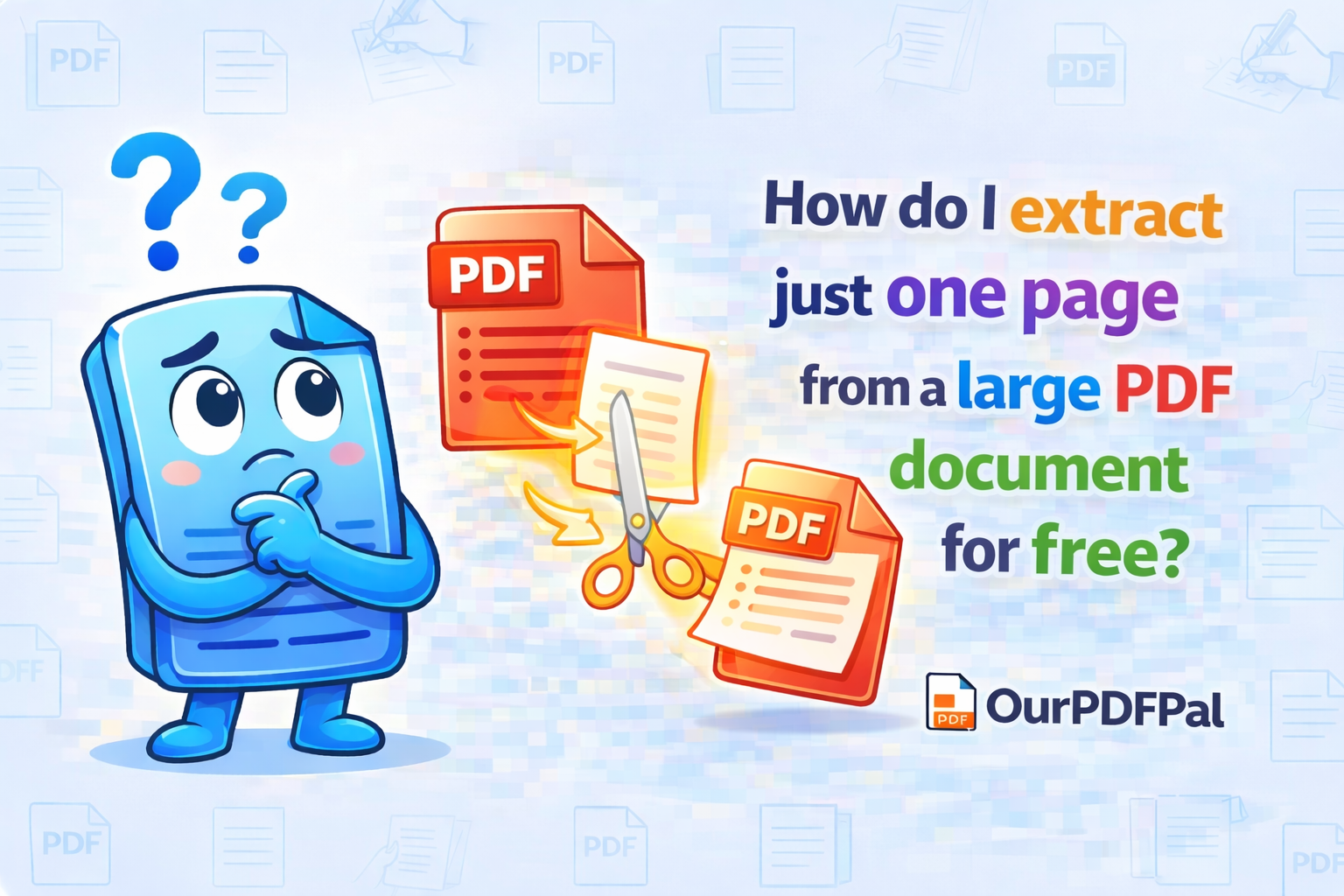
To save a single page or a specific subset of data from a massive file, use our Split PDF tool. In the high-stakes professional environment of 2026, efficiency is paramount; sending a 200-page corporate manual when your client only needs to see the third-quarter balance sheet on page 42 is not just a digital burden—it is an organizational failure. By choosing to split PDF files for free on OurPDFPal, you are performing a surgical extraction of information. This process allows you to isolate critical data, reduce file size for mobile viewing, and ensure that your recipient focuses exactly on the content intended for their review. Our engine is designed to handle "Heavy-Lift" documents, allowing for the instantaneous separation of pages without compromising the underlying metadata or font embedding of the original file.
After uploading your document to our secure processing zone, select the "Extract Pages" mode. This interface provides a high-resolution visual thumbnail of every page within your PDF, allowing for a "Point-and-Click" selection process that is far more intuitive than traditional command-line tools. You can then click on the specific page you need or type the page number into the selection box for precision-targeted PDF splitting. For complex documents with non-consecutive sections, our tool supports "Comma-Separated" ranges (e.g., 1, 5, 12-15), giving you total control over the architecture of your new, smaller file. This flexibility is essential for legal professionals creating exhibits or students extracting specific chapters from digital textbooks. By utilizing our free Split PDF tool, you are transforming a bulk data set into a streamlined, actionable asset.
The technical mechanics of the Split PDF task involve a process called "Resource Reconciliation." When a single page is extracted, it often carries references to the fonts and images used throughout the entire document. Our PDF splitter performs an "Object Audit" to ensure that only the resources necessary for your selected page are included in the final download. This "Micro-Optimization" is why our Split PDF for free service consistently produces files that are significantly smaller and faster to load than the original source. This ensures that your extracted page remains a high-fidelity, standalone document that renders perfectly across all PDF viewers, from mobile browsers to professional desktop software like Adobe Acrobat.
In the realm of security and confidentiality, the ability to split PDF pages is a vital tool for data sanitization. If you have a large contract that contains sensitive internal pricing on page 10, but you only need to share the signed signature page (page 20) with a third-party vendor, our tool allows you to perform that separation with total confidence. You are essentially "Air-Gapping" your sensitive data by ensuring the recipient never receives the pages they aren't authorized to see. At OurPDFPal, we reinforce this security with 256-bit SSL encryption for every Split PDF task. Your files are never stored permanently; once you have completed your PDF extraction and downloaded the result, our system triggers an automatic purge to protect your intellectual property.
Furthermore, the Split PDF workflow is a critical component of modern "Document Repurposing." In 2026, content is often modular. You may want to take a single high-impact chart from an old annual report and use it as a standalone attachment for a new presentation. By choosing to extract PDF pages for free, you are treating your documents as a library of individual assets rather than a single, static block of data. This "Atomic" approach to document management allows you to be more agile in your digital communications. Our Split PDF tool is optimized for speed, ensuring that even if you are working with a document that is hundreds of megabytes in size, your extraction is finished in a matter of seconds.
For those managing massive digital archives, our PDF splitter also supports "Split by Size" or "Split by Range" functions. If you have a government filing that must be submitted in 5MB chunks, our engine can automatically calculate the break points and provide you with a ZIP file containing the perfectly sized segments. This level of automation is why OurPDFPal is the preferred choice for administrative professionals who need to split PDF files for free without the manual labor of checking file sizes. We provide the high-tier features of expensive desktop software entirely in your web browser, with no software installation and no hidden subscription costs. Your document logistics are our priority.
Privacy is the final, yet perhaps most important, differentiator of the OurPDFPal experience. We recognize that the documents you need to split—legal transcripts, medical files, and private correspondence—contain highly personal data. When you use our Split PDF engine, your data is processed in a "Stateless" environment. We do not track the content of your pages or maintain a history of your extractions. Once you click Split and receive your new PDF containing only that selected page, the link between your original file and the extracted one is severed on our servers. You get the power of professional document manipulation with the privacy of a local, offline tool. This commitment to user trust is what has made us a leader in the PDF utility space for 2026.
In conclusion, the ability to split PDF documents is an essential skill for anyone looking to navigate the modern digital office with speed and precision. Whether you are a solo student looking for a specific chapter, a lawyer preparing a case file, or a project manager distributing specialized tasks, OurPDFPal provides the tools you need to stay organized. Don't let your important information stay buried in a massive, unmanageable file. Isolate your data, secure your focus, and present your information with the clarity that only a targeted, single-page PDF can provide. The standard for professional document extraction is just one click away, and it is always free on OurPDFPal.
Optimize your new file further: Once you have successfully utilized our tool to split your PDF and extract your page, you might find that the orientation is incorrect. Use our Rotate PDF tool to fix any sideways pages before you share them. If your extracted page is still too large for an email portal, our PDF Compressor is the perfect next step. We are your all-in-one partner for the modern, high-efficiency digital office.