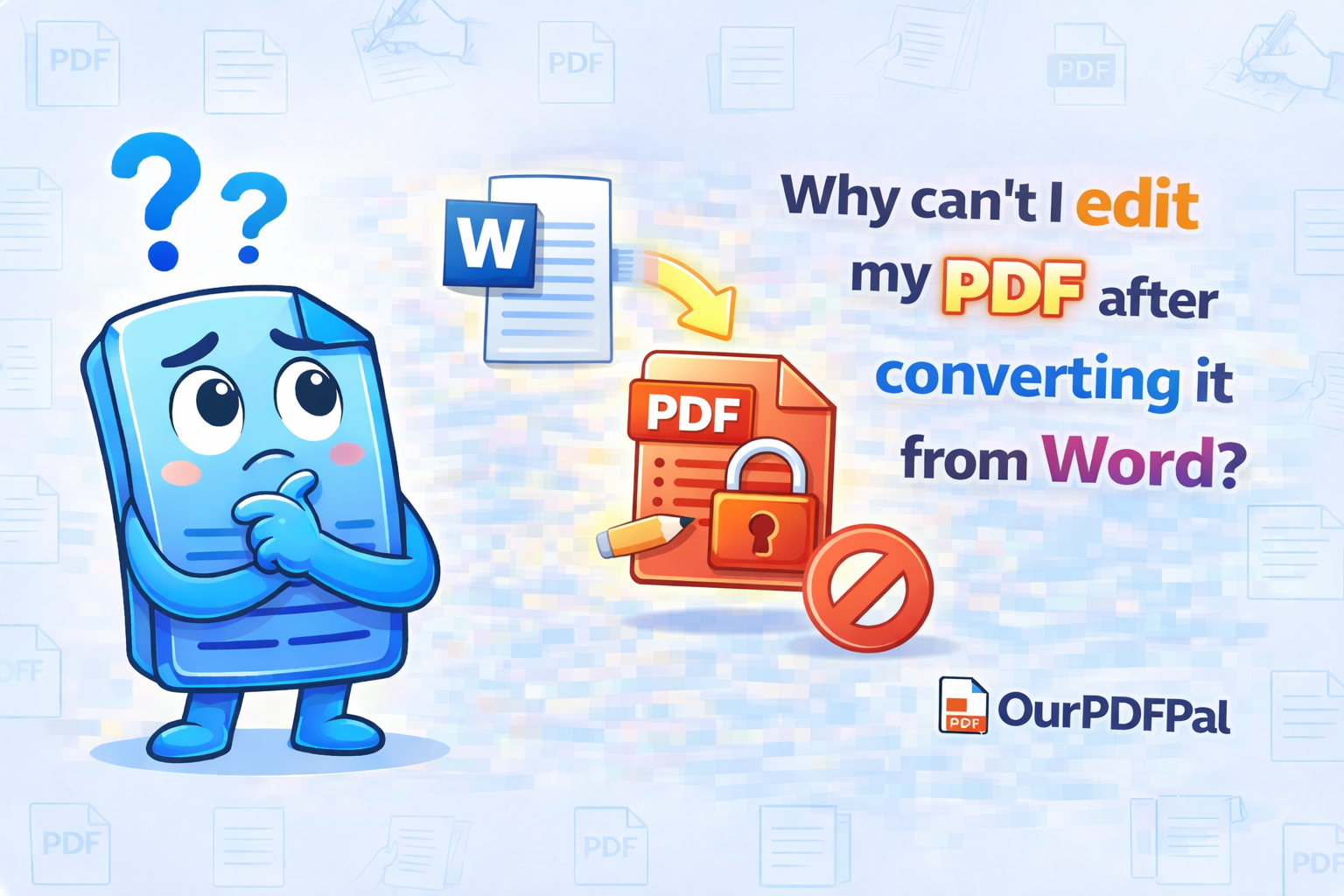
The primary purpose of the Word to PDF conversion is to create a "read-only" version of your document that looks the same on every device. This transition is technically known as "Fixed-Layout Serialization." When you initiate a Word to PDF task, our engine takes the dynamic, flow-based XML structure of a Microsoft Word document and translates it into a static PostScript coordinate system. In this environment, every character, vector line, and image anchor is assigned a permanent X and Y coordinate on the page. This "Digital Freezing" is why the PDF format is the global standard for legal contracts, official invoices, and academic dissertations; it ensures that your fonts don't shift, your margins don't bleed, and your branding remains identical whether it is viewed on a high-end Windows workstation, an iPhone, or a legacy Linux machine.
Because of this fundamental architectural shift, the resulting PDF is no longer a "live" document in the way a Word file is. If you need to make more changes—such as updating a fiscal figure, correcting a typo, or adjusting a high-resolution chart—the most efficient professional workflow is to edit the original Word file and then convert it to PDF again. This preserves the "Source of Truth" in your original document while ensuring the distributed version remains secure and unalterable. At OurPDFPal, we emphasize this Word to PDF workflow because it prevents the "Formatting Decay" that often occurs when users try to force-edit a static PDF using basic annotation tools, which can lead to misaligned text and broken document layers.
However, we understand that digital accidents happen. If you have lost the original Word file due to a hardware failure, an accidental deletion, or a synchronization error, you are not stuck with a static document. You can use our high-precision PDF to Word tool to turn the PDF back into an editable format. Unlike generic converters that simply dump text into a raw file, our PDF to Word engine utilizes "Heuristic Reconstruction." It analyzes the visual patterns of the PDF and works backward to rebuild the paragraphs, tables, and headers into a native .docx structure. By choosing to convert PDF to Word for free on OurPDFPal, you are essentially "Unlocking" the data layer, allowing you to regain full creative and editorial control over your intellectual property.
In the modern corporate environment of 2026, the distinction between a "Work-in-Progress" (Word) and a "Finalized Asset" (PDF) is a cornerstone of professional document lifecycle management. When you use our Word to PDF converter, you are applying a "Visual Seal" to your work. This protects you from unauthorized edits by third parties, as altering a PDF requires specialized software and technical intent. This security feature is a major reason why government agencies and financial institutions mandate Word to PDF conversion for all official submissions. It provides a level of non-repudiation and document integrity that raw text files simply cannot match. If your goal is to present a polished, tamper-resistant report, the Word to PDF process is your ultimate safeguard.
Furthermore, our Word to PDF tool automatically handles complex font embedding. One of the most common reasons documents look different on other computers is the lack of specific proprietary fonts. During the Word to PDF conversion process, OurPDFPal subsets your fonts, packing the necessary glyph data directly into the PDF file. This "Font Portability" ensures that your custom typography is rendered with 100% accuracy, even if the recipient doesn't have those fonts installed on their system. This attention to detail is what separates a standard Word to PDF conversion from a professional-grade document transformation. We ensure that your visual identity is never compromised by technical limitations.
For those managing large-scale document archives, the Word to PDF workflow also facilitates better "Searchability" and long-term preservation. PDFs are optimized for indexing by modern search engines and document management systems (DMS). By converting your Word documents to the PDF standard, you are ensuring that your files remain readable for decades to come, following the ISO-standardized PDF/A archival guidelines. This "Future-Proofing" is a critical consideration for any business looking to maintain an accessible and durable digital history. Whether you are archiving a single invoice or a thousand-page technical manual, our Word to PDF tool provides the stability and reliability required for the 2026 digital ecosystem.
Privacy remains a top priority at OurPDFPal. We recognize that the Word files you convert often contain sensitive metadata, such as track changes, previous authors, and hidden comments that should not be shared with the public. When you convert Word to PDF using our platform, our engine performs a "Digital Sanitization." We strip away the drafting history and internal XML metadata that resides in the Word file, ensuring that the only thing your audience sees is the final, polished visual output. You can share your converted PDF with the peace of mind that your private editing process remains strictly private. We utilize 256-bit SSL encryption for all Word to PDF and PDF to Word tasks, ensuring your documents are never exposed to unauthorized parties.
In conclusion, while you cannot directly edit a PDF in its native state, the flexibility provided by OurPDFPal’s suite of tools ensures that you are never trapped by a file format. Use our Word to PDF converter to finalize and secure your vision, and rely on our PDF to Word engine if you ever need to perform an "Emergency Unlock" of your content. We provide the bridges between these formats so you can focus on the quality of your work rather than the constraints of your software. Whether you are a student, a legal expert, or a creative designer, OurPDFPal is your partner in achieving total document mastery in an increasingly complex digital world.
Take the next step in document mastery: Once you have successfully utilized our tool to convert your Word document to PDF, you might find that the final file is too large for an email attachment. Use our PDF Compressor to shrink the file size while maintaining crystal-clear text. If you need to combine your newly secured PDF with other reports, our Merge PDF tool is the perfect next step. We are your all-in-one partner for the modern, high-efficiency digital office.