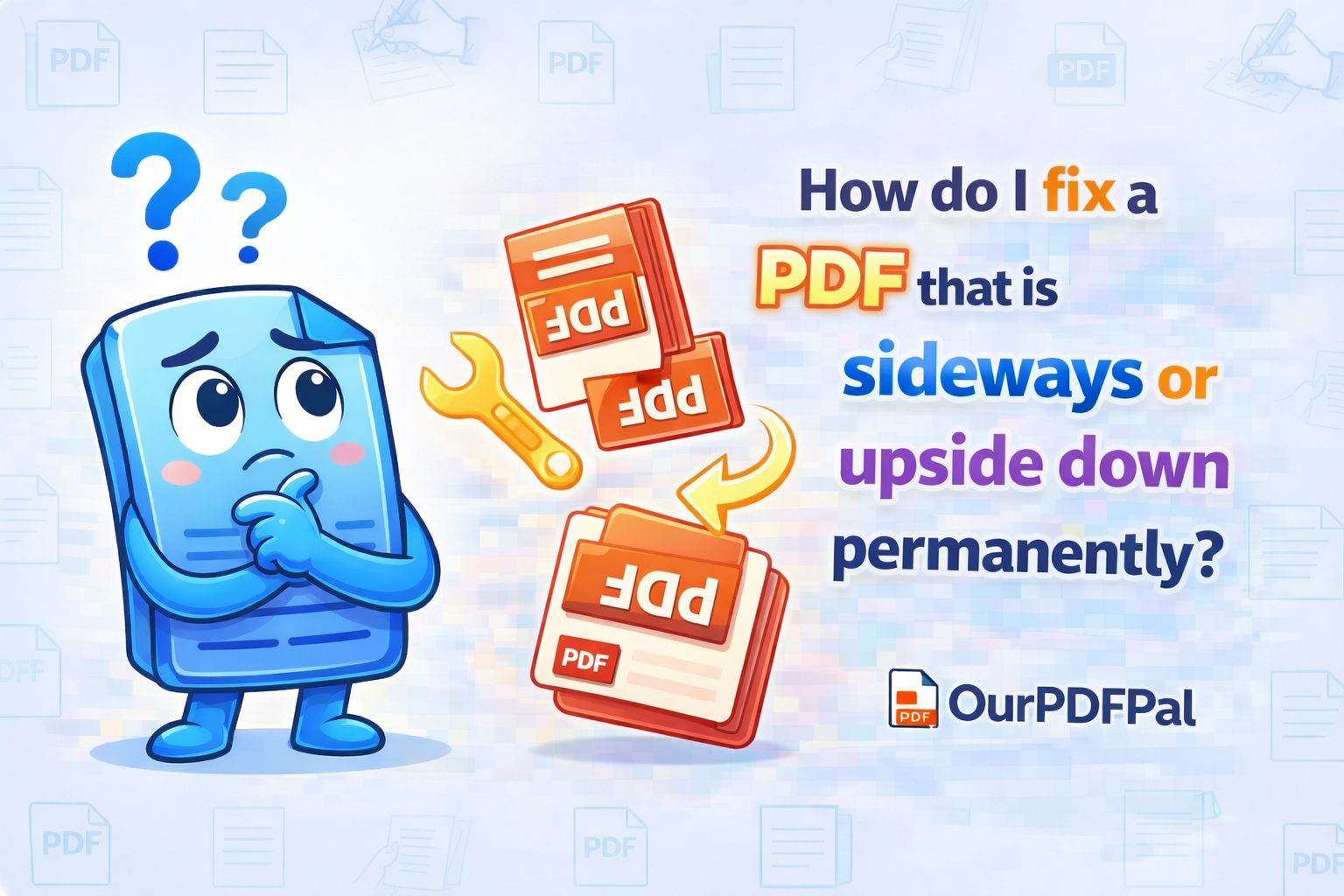
You can fix the orientation using our Rotate PDF tool. In the high-stakes professional landscape of 2026, sending a contract, a medical scan, or a technical blueprint that is sideways or upside down is more than just a minor inconvenience; it is a signal of poor digital attention to detail. Most basic PDF viewers or browser-based "Preview" apps only rotate your current "view" temporarily, meaning the next person who opens the file will see the same incorrect orientation. By choosing to rotate PDF pages permanently for free on OurPDFPal, you are rewriting the document's internal viewing metadata. This ensures that your document adheres to a standard, readable format across all platforms, from corporate email clients to mobile document readers.
Simply upload your file to our secure processing zone. Our intuitive visual interface provides a high-resolution thumbnail of every page in your document. You can then click the rotation arrows on the specific pages that are sideways or upside down. Our Rotate PDF engine allows for "Selective Rotation," meaning you can fix a single upside-down page within a 50-page report without affecting the rest of the document's layout. Once you have adjusted the orientation to your satisfaction, click Save Changes. Unlike basic PDF viewers, OurPDFPal saves the new orientation into the file's "Page Dictionary" itself. This "Hard-Coding" of the orientation means it looks correct every time it is opened, regardless of the software or device the recipient is using. This level of PDF page management is essential for professionals who need to maintain a polished, ready-to-read document archive.
The technical sophistication of our free Rotate PDF tool lies in its manipulation of the "/Rotate" entry in the PDF's internal cross-reference table. In a standard PDF, pages can be rotated in 90-degree increments (90, 180, 270). Our engine ensures that these changes are "Lossless." Because we are only modifying the viewing metadata rather than re-encoding the entire page, the quality of your text, images, and vector graphics remains 100% identical to the original. This is particularly important for rotating scanned PDFs that contain sensitive fine print or intricate diagrams where any loss in clarity could lead to data misinterpretation. By utilizing OurPDFPal, you are choosing a surgical fix that preserves the integrity of your intellectual property while correcting its visual presentation.
In the realm of security and privacy, we treat your Rotate PDF tasks with the highest level of confidentiality. We recognize that the files you need to fix—legal transcripts, blueprints, and personal identity documents—often contain highly private data. We utilize end-to-end 256-bit SSL encryption for every PDF rotation task. Our "Stateless Processing" model ensures that your data is never permanently stored on our infrastructure. Once our engine finishes the metadata update and you have successfully downloaded your corrected file, our system triggers an automatic purge, permanently deleting your documents from our temporary processing nodes. You get the power of professional PDF orientation correction with the security of a private, local workflow.
Furthermore, the Rotate PDF workflow is a critical component of "Document Standardization." In 2026, multi-source document merging is a common practice. You might merge a portrait-oriented Word document with a landscape-oriented Excel chart. After merging, the landscape page might appear sideways in a unified portrait-mode PDF. Our Rotate PDF tool allows you to unify these disparate orientations, creating a seamless, vertical scrolling experience for your readers. This "Structural Harmony" significantly improves the readability of your reports and portfolios, ensuring that your audience can focus on your content rather than tilting their screens or their heads. Our tool is entirely browser-based, meaning there is no software to install, no hidden subscription fees, and no "Premium-Only" watermarks. Professional-grade PDF page rotation should be accessible to everyone, regardless of their technical expertise.
For those managing massive digital archives, our PDF rotation engine also supports "Batch Orientation." If you have a 100-page scan where every even page is upside down due to a feeder error, you can use our bulk selection tools to apply a 180-degree rotation to all targeted pages simultaneously. This level of automation is why OurPDFPal is the preferred choice for administrative professionals who need to fix PDF orientation for free without the manual labor of rotating pages one by one. We provide the high-tier features of expensive desktop software entirely in your web browser, optimized for the speed and agility required in the 2026 digital economy. Your document logistics are our priority, and we ensure that your transition from "sideways" to "standard" is handled with maximum efficiency.
Privacy is the final, yet perhaps most important, differentiator of the OurPDFPal experience. We do not track the content of your pages or maintain a history of your rotations. Once you click Save Changes and receive your corrected PDF, the link between your original file and the rotated one is severed on our servers. You get the power of professional PDF manipulation with the privacy of a local, offline tool. This commitment to user trust and technical transparency is what has made us a leader in the PDF utility space. We believe that your data belongs to you, and our tools are simply here to help you present that data in its best possible light.
In conclusion, the decision to rotate a PDF permanently is about more than just a visual fix; it is about taking control of your professional output. Don't let your valuable data stay in a non-standard, frustrating format. Use OurPDFPal to rotate PDF for free and experience the peace of mind that comes with a perfectly aligned, professional document. Whether you are a solo student preparing a thesis, a designer sharing a lookbook, or a corporate executive reviewing quarterly performance, our Rotate PDF engine provides the precision and speed you need to stay ahead. The standard for professional PDF orientation correction is just one click away, and it is always free on OurPDFPal. Fix your files today and take total control of your digital presentation.
Optimize your corrected file further: Once you have successfully utilized our tool to rotate your PDF permanently, you might find that the final file is too large for an email attachment. Use our PDF Compressor to shrink the file size while maintaining crystal-clear text. If you need to combine your newly aligned PDF with other existing reports, our Merge PDF tool is the perfect next step. We are your all-in-one partner for the modern, high-efficiency digital office.