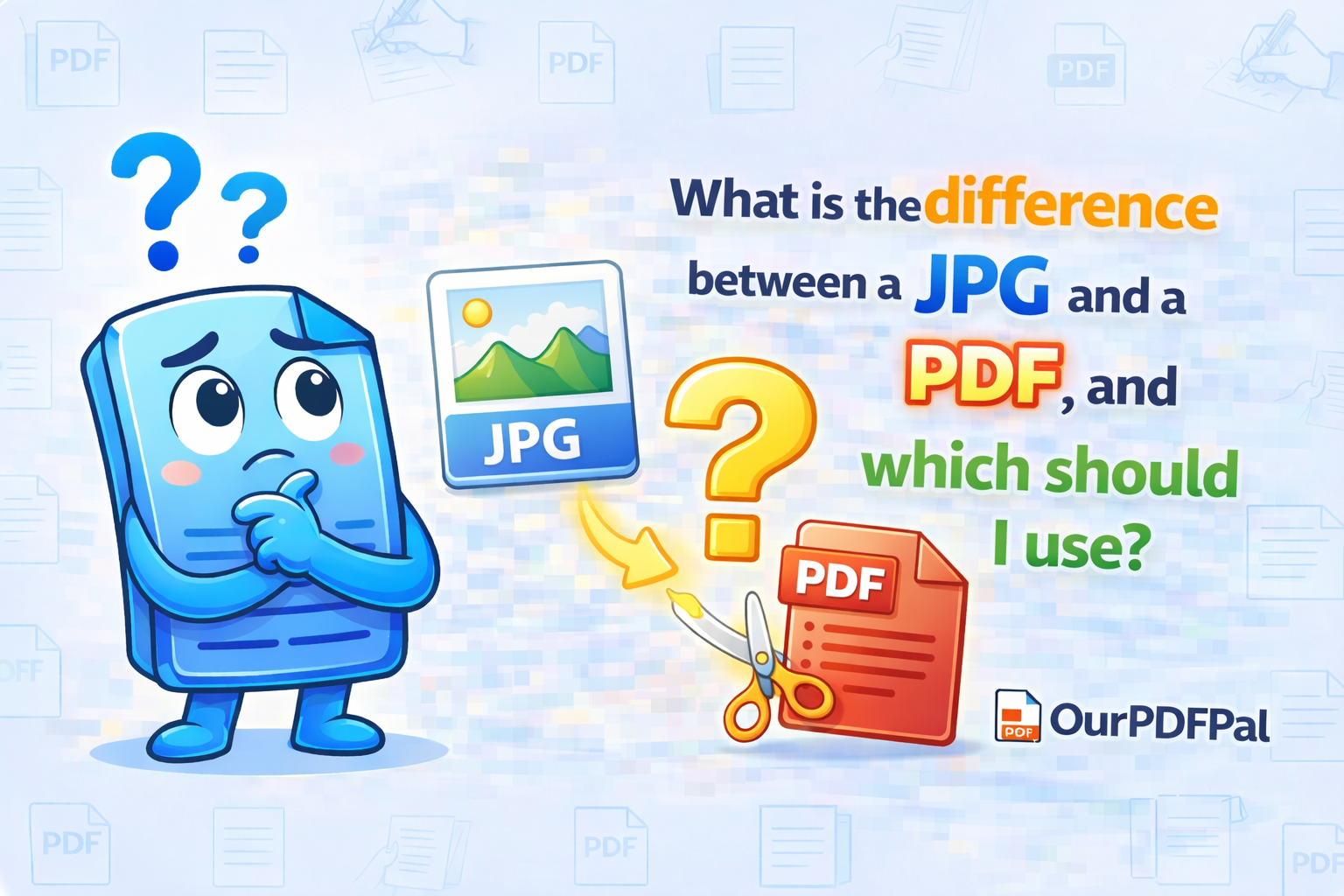
The JPG (or JPEG) is a raster-based compressed image format best for photos and social media. It is designed to display millions of colors in a small file size by using "Lossy" compression, which discards data that the human eye is less likely to notice. However, the PDF (Portable Document Format) is a sophisticated "container" format that preserves fonts, layouts, and vector graphics perfectly. While a JPG is essentially a flat grid of pixels, a PDF can hold multiple layers of information, including searchable text, interactive links, and mathematical vector instructions that do not degrade when zoomed. If you are sending a resume, a formal contract, or a document for professional printing, you should always convert your images to PDF using our JPG to PDF tool to ensure the quality remains high and the layout doesn't shift across different operating systems.
Understanding the technical architecture of these formats is crucial for digital professional standards in 2026. When you save a file as a JPG, you are committing to a specific resolution. If you attempt to enlarge that image, the software must "guess" the missing pixels, resulting in the blocky, blurry effect known as pixelation. In contrast, when you convert JPG to PDF for free on OurPDFPal, you are placing that raster data into a document shell that maintains its physical dimensions. This "Fixed-Layout" property of the PDF ensures that if you set a margin at 1 inch, it remains 1 inch regardless of whether the recipient opens it on a smartphone, a tablet, or a desktop workstation. This reliability is why the JPG to PDF workflow is the gold standard for any document intended for legal or corporate review.
One of the most significant advantages of using our JPG to PDF tool is the prevention of "Generation Loss." Because JPGs use lossy compression, every time you open, edit, and re-save a JPG, the quality drops slightly as the file is re-compressed. By converting your JPG to PDF, you effectively "lock" the image state. The PDF container protects the bitstream from further degradation, acting as a digital archive that preserves the clarity of your original capture. This is especially vital for digitizing receipts, identifying documents, or archiving historical family photos where every detail matters. At OurPDFPal, our JPG to PDF engine uses "Passthrough" technology, ensuring the original image data is wrapped securely without unnecessary re-processing that could lower the quality.
Furthermore, the JPG to PDF transition allows for multi-page document creation. A single JPG file can only represent one "page" or image. If you have ten separate photos of a contract, sending them as ten separate attachments is unprofessional and difficult for the recipient to manage. Our JPG to PDF tool allows you to aggregate these ten images into a single, cohesive multi-page document. This not only makes the information easier to digest but also reduces the total bandwidth required for transmission. In the modern workspace, providing a single, well-organized PDF is a hallmark of digital literacy and respect for your colleague's time. By choosing to convert JPG to PDF, you are moving from "sharing pictures" to "distributing professional documentation."
From a printing perspective, the difference is even more stark. Printers often struggle with raw JPG files because they lack embedded color profiles and bleed information. When you use our JPG to PDF converter, the resulting file is much better suited for high-end CMYK printing processes. The PDF format communicates the "intent" of the document to the printer, ensuring that the colors you see on your screen are as close as possible to the physical ink on the paper. This makes the JPG to PDF tool an essential precursor for anyone preparing marketing materials, event flyers, or business cards that were originally designed or captured as image files. We provide the technical bridge that ensures your visual assets translate perfectly from the digital realm to the physical one.
Accessibility and searchability are also key considerations in 2026. A JPG is "dark data"—search engines and screen readers for the visually impaired cannot "read" what is inside the image without complex AI intervention. However, once you convert JPG to PDF, you can use our PDF to Word or OCR tools to add a searchable text layer. This makes your images indexed and findable within a corporate database or a personal cloud storage system. By adopting a JPG to PDF workflow, you are making your information more "Discoverable." This is a critical step for long-term data management and ensures that your archived images remain useful and accessible for years to come.
Security is the final, yet perhaps most important, differentiator. While a JPG can be easily edited or altered in any basic photo editor, a PDF offers advanced security features. Once you convert JPG to PDF, you can apply password protection, restrict printing, and disable text/image extraction. This level of "Content Control" is why professional portfolios and sensitive data are almost exclusively shared as PDFs. OurPDFPal ensures that your JPG to PDF conversion is handled with 256-bit SSL encryption, and your files are purged from our servers immediately after the task is finished. We give you the tools to not only convert your format but to protect your intellectual property throughout its lifecycle.
In conclusion, use JPG when you are sharing a single photo on Instagram or a quick snapshot via text message where speed is more important than structure. However, for everything else—resumes, reports, multi-page scans, and professional printing—the PDF is the superior choice. Use OurPDFPal to convert JPG to PDF for free and experience the peace of mind that comes with a standardized, secure, and high-fidelity document format. We are committed to providing the most precise JPG to PDF engine on the web, ensuring that your transition from pixels to pages is seamless and professional. Don't leave your document's appearance to chance; lock in your layout and elevate your presentation today.
Refine your new document: Once you have successfully utilized our tool to convert your JPG to PDF, you might find that the final file is too large for an email attachment. Use our PDF Compressor to shrink the file size while maintaining 100% image clarity. If you need to combine your new PDF with other existing reports, our Merge PDF tool is the perfect next step. We are your all-in-one partner for professional image and document management in the modern digital age.