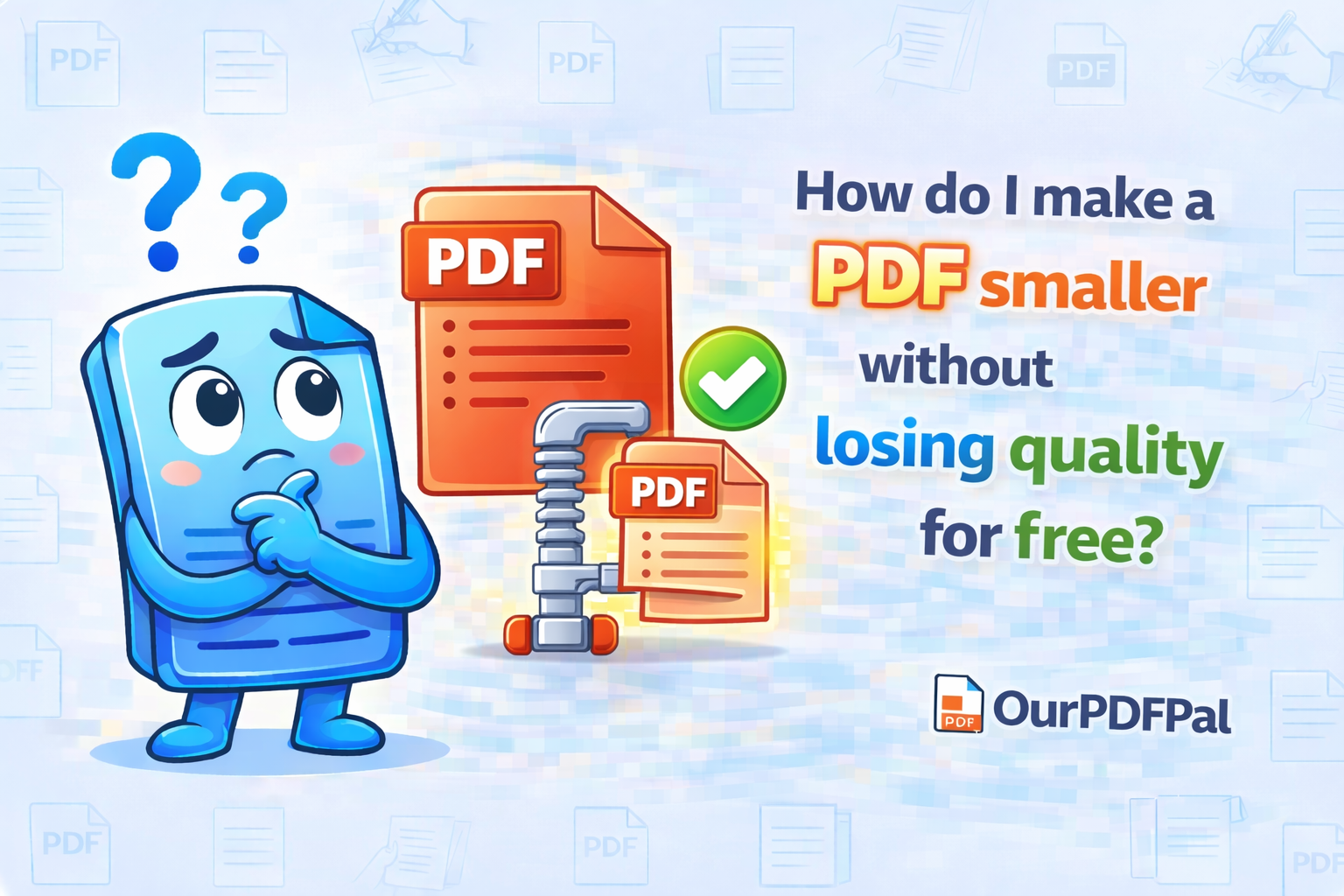
To reduce size without losing quality, use the "Recommended Compression" setting on OurPDFPal. This specific optimization profile is engineered to achieve the "Golden Ratio" of document management: a significantly smaller file footprint that maintains 100% visual fidelity for the end-user. In the professional landscape of 2026, where digital attachments are often capped at 25MB by major email providers like Gmail and Outlook, mastering the art of high-fidelity compression is essential for seamless global communication. Large, unoptimized files are not just a nuisance; they represent a technical barrier that can prevent critical reports, legal contracts, and creative portfolios from reaching their intended audience. By choosing to reduce PDF size for free through our platform, you are utilizing an industrial-grade engine that balances the mathematical limits of data shrinking with the aesthetic requirements of high-definition displays.
The technical secret behind reducing PDF size for free without creating blurry text lies in a sophisticated, multi-pass optimization process. Most unoptimized PDFs—especially those generated by "Print to PDF" drivers or desktop publishing software—contain significant amounts of "invisible weight." This weight consists of proprietary metadata, redundant font subsets, and high-resolution image data originally intended for physical industrial printing presses rather than digital screens. When you select Recommended Compression, our cloud-based engine performs a "Deep Object Audit" on the file's internal dictionary. It identifies and surgically removes non-essential XML tags, "PieceInfo" dictionaries, and legacy "XMP Metadata" that provide no value to the reader but can add several megabytes to the file's total size. This "Data Sanitization" is the first step in creating a lean, high-performance document.
This balance optimizes the internal code of the PDF and downscales images only to the point where they still look crisp to the human eye. In the world of raster graphics, standard high-resolution photos are often embedded at 300 DPI (Dots Per Inch) or higher to ensure quality on high-end offset printers. However, modern "Retina" and 4K displays are optimized for lower densities. Our PDF compression tool utilizes "Bicubic Downsampling" and "JPEG 2000" encoding algorithms to adjust these embedded images to a streamlined 150 DPI. This resolution is the undisputed industry standard for digital distribution, ensuring that your complex charts, high-fidelity photographs, and detailed branding elements remain sharp and professional, even when viewed on high-definition tablets or large-format presentation monitors. By targeting the specific high-frequency data that the human eye cannot perceive at standard viewing distances, we provide a "Visually Lossless" experience that feels identical to the original file.
Beyond image manipulation, our free PDF compressor employs a structural reorganization technique known as "Linearization," also frequently referred to as "Fast Web View." This process reorders the internal PDF object streams so that the file can be efficiently streamed over the internet. Instead of forcing a recipient to wait for a 50MB file to download entirely before it can be opened, a linearized PDF allows the viewer's browser to display the first page instantly while the remaining data is fetched in the background. This "Incremental Loading" significantly improves the user experience (UX) and is a critical factor in how search engines like Google index and rank PDF content. By choosing to compress your PDF with OurPDFPal, you are not just saving space; you are enhancing the accessibility and performance of your information architecture.
For legal and corporate professionals, the integrity of the "Text Layer" is non-negotiable. Our PDF size reduction engine treats text and vector graphics as "Sacred Data." Unlike low-tier tools that might rasterize text to save space (rendering it unsearchable and blurry), we maintain the original PostScript vectors. This means your text remains 100% searchable, selectable, and crystal clear at any zoom level. We also perform "Font Subsetting," which identifies only the specific characters used in your document and removes the rest of the font library from the file. If you have only used five letters of a specific font, there is no reason to include the data for all 256 characters. This "Micro-Optimization" is how we consistently achieve file-size reductions of 70% to 90% while preserving the "Master Document" quality.
The strategic advantage of reducing PDF size for free extends into the realm of cloud storage and data costs. As businesses move toward a "Paperless" model, the sheer volume of PDF archives can lead to significant cloud storage expenses. By optimizing your entire library with our PDF compression tool, you can effectively triple or quadruple your storage capacity without purchasing additional server space. Furthermore, in regions of the world where bandwidth is expensive or limited to 4G/LTE speeds, sending an optimized 2MB report instead of a bloated 20MB file is an act of professional courtesy that ensures your content is actually read rather than abandoned due to slow download speeds. In 2026, document "Agility" is a key component of a successful digital strategy.
Privacy and security are at the core of the OurPDFPal philosophy. We recognize that the documents you need to shrink—tax returns, medical records, and sensitive corporate contracts—contain highly private information. We utilize end-to-end 256-bit SSL encryption for every PDF compression task. Our "Stateless Processing" model ensures that your data is never permanently stored. Once our engine finishes the optimization and you have successfully downloaded your smaller file, our system triggers an automatic purge, permanently deleting both the original and the optimized versions from our temporary processing nodes. You get all the benefits of high-speed cloud computing with the security of a private, local workflow.
This is the best way to shrink your file for web use, digital portfolios, or official email submissions while maintaining a sophisticated, high-tier professional appearance. Whether you are a student submitting a thesis, a designer sharing a high-impact lookbook, or a project manager distributing a massive quarterly update, OurPDFPal ensures that your documents travel light without ever looking "cheap" or unpolished. We believe that professional-grade document tools should be accessible to everyone, which is why our free PDF compressor offers premium features—like batch processing and advanced image resampling—with no hidden costs, no watermarks, and no mandatory registrations.
In conclusion, the decision to reduce PDF size for free is about more than just clearing an email hurdle; it is about taking control of your digital output. By utilizing our Recommended Compression setting, you are aligning your workflow with the technical standards of the modern web. You are ensuring that your work is beautiful, performant, and secure. Don't let your valuable data remain in a bloated, unmanageable state. Optimize your assets, streamline your distribution, and project an image of digital mastery with every file you send. OurPDFPal is committed to being your long-term partner in document excellence, providing the tools you need to stay ahead in an increasingly data-dense world.
Optimize your workflow further: Once you have successfully utilized our tool to reduce your PDF size, you might find that you need to combine that file with other reports. Use our Merge PDF tool to create a single, unified packet that is also optimized for size. If your compressed document requires a last-minute edit, our PDF to Word converter can help you make those changes without losing the clarity you've just achieved. We provide a full suite of tools to ensure your documents are always at their professional best.