PDF to Excel

Extract tables from PDF into editable spreadsheets.

Drop your PDF here or
Max 50MB · PDFs with tables work best
You’ll be able to download the XLSX/CSV after conversion.

đź§® Accurate Tables

Detects rows/columns and preserves numeric cells where possible.

đź”’ Secure

Transfers over HTTPS; files auto-delete after processing (when backend is live).

📱 Anywhere

Works on mobile and desktop — no software required.

How to convert PDF to Excel

  1. Click Choose PDF or drag your file into the box.
  2. Select output format (XLSX or CSV) and detection mode.
  3. Press Convert to Excel and download the result.

Tips for best results

  • Use “Lattice” for PDFs with clear grid lines, “Stream” for spaced columns.
  • Scanned PDFs may need OCR (coming soon) before extracting tables.
Why convert PDF to Excel?

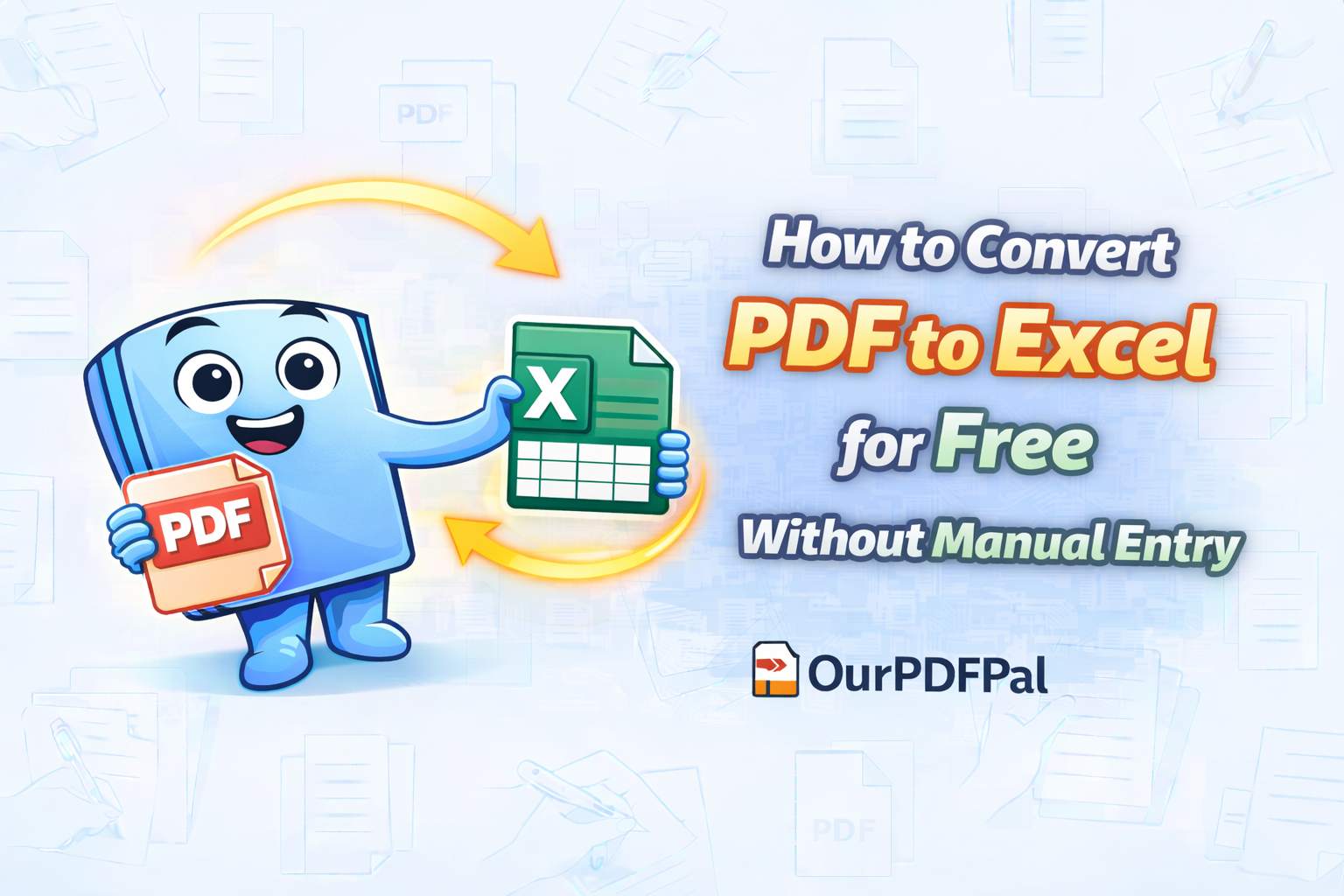
PDFs are great for viewing but terrible for data analysis. If you have financial statements, inventory lists, or research data trapped in a PDF, our tool helps you reclaim it. By converting to Excel (.xlsx), you can use formulas, create charts, and sort data instantly.

Unlike copy-pasting which often ruins formatting, our conversion engine attempts to recognize the underlying table structure to keep your columns aligned.

Technical Specifications

  • Max File Size: 50MB
  • Formates: XLSX (Excel), CSV
  • Detection: Lattice & Stream algorithms
  • Privacy: SSL Encrypted transfer
  • Compatibility: All modern browsers