Professional Financial Reporting: Securing Your Spreadsheet Data
In the precision-driven world of modern finance, the way you present your data is just as important as the data itself. Sharing raw Excel files with clients, stakeholders, or regulatory bodies is a significant professional risk—formulas can be accidentally broken, hidden rows can be revealed, and the visual layout looks different on every computer due to varying screen resolutions and software versions. Converting Excel to PDF for free locks your data in place, providing a professional look that is immune to accidental tampering. At OurPDFPal, we provide the high-fidelity conversion engine required to turn complex spreadsheets into polished, distribution-ready reports that maintain their structural integrity across all digital platforms.
The "Excel-to-Distribution" gap is a common source of anxiety in the corporate world. An Excel file is a "Live" environment designed for calculation and data manipulation. When you send a live .xlsx file, you are essentially giving the recipient the keys to your financial logic. By choosing to convert Excel to PDF, you are transitioning that data into a "ReadOnly" format. This move from a dynamic spreadsheet to a static PDF is the industry standard for finalizing audits, tax filings, and quarterly balance sheets. It signals that the work is complete, verified, and ready for official review.
Advanced Formatting Tips: Achieving a "Print-Perfect" Result
One of the biggest challenges in spreadsheet management is ensuring that wide tables and multi-column datasets remain readable when shared. Our Excel to PDF tool is engineered with intelligent layout algorithms that handle these challenges automatically. Here is how we ensure your reports look their best:
-
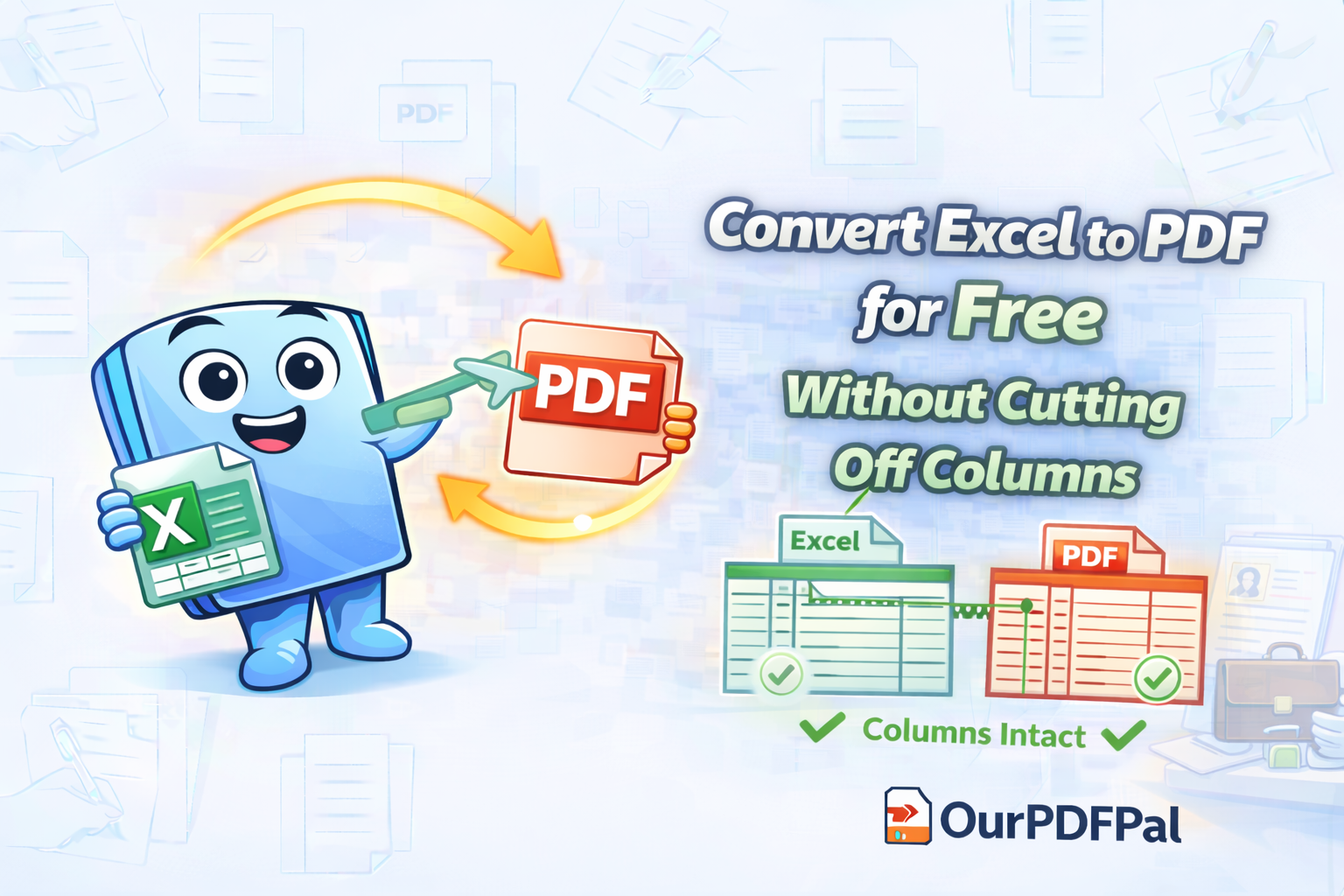
Precision Fit to Page Technology: Unlike basic "Save As" functions, our tool automatically adjusts your spreadsheets to fit standard A4 or Letter sizes. We analyze the "Print Area" of your Excel file and apply dynamic scaling to ensure that no columns are cut off at the margins. When you convert Excel to PDF with OurPDFPal, you avoid the frustration of "Orphaned Columns" that spill onto a second, disconnected page. This ensures a logical, continuous flow of information for your reader.
-
A Polished, Clean Look for Modern Reports: Visual clutter can distract from your financial narrative. Our engine creates a clean look by default, suppressing unnecessary grid lines unless you explicitly want them. This results in a "Clean-Slate" report that looks more like a professionally published document than a raw data dump. By choosing to convert Excel to PDF, you are choosing an aesthetic that emphasizes clarity and high-level summaries over raw, unformatted cells.
-
Superior Data Security and Integrity: The most critical benefit of the Excel to PDF workflow is the preservation of your numbers. In a PDF, users can see your data but cannot easily change the numbers or alter your underlying formulas. This "Calculated Lock" is essential for legal compliance and professional accountability. When you convert Excel to PDF, you are creating a digital "Paper Trail" that cannot be manipulated by unauthorized parties, protecting both your reputation and your data's accuracy.
The Technical Mechanics of Spreadsheet Rasterization
What actually happens during an Excel to PDF conversion? Our engine performs a "Cell-to-Object" mapping. Each cell in your Excel sheet is analyzed for its text content, numeric formatting, and background shading. This data is then translated into vector graphics. Because PDFs are vector-based, your Excel to PDF report will maintain perfect clarity even when zoomed in at 400%. This is particularly important for financial charts and small-font footnotes that must remain legible for auditors and senior management.
Protecting Proprietary Logic and Formulas
In many business scenarios, the formulas in your Excel sheets are proprietary "Trade Secrets." They may contain complex pricing logic or confidential tax strategies that you do not want your competitors or clients to see. Sharing the raw .xlsx file exposes all of those formulas in the "Formula Bar." However, when you convert Excel to PDF, only the *result* of the calculation is displayed. The underlying logic remains hidden within the "Black Box" of your original spreadsheet. This makes the Excel to PDF tool an essential part of your intellectual property protection strategy.
Optimizing for the "Mobile Executive" in 2026
In the 2026 business environment, financial reports are increasingly reviewed on mobile devices during commutes or high-level meetings. Excel mobile apps can be notoriously difficult to navigate, often requiring the user to scroll horizontally across hundreds of columns. By using OurPDFPal to convert Excel to PDF, you are optimizing for the mobile user experience. A PDF report is "Mobile-Responsive" in the sense that it can be scrolled vertically with ease, and its layout remains static. This ensures your financial insights are delivered quickly and clearly, regardless of the screen size.
Data Sanitization and Metadata Removal
Excel files often contain hidden metadata, such as "Personal Information" (PII) about the author, previous file paths, and even deleted data that might still reside in the file's cache. Sending these files can lead to data leaks. Our Excel to PDF process acts as a "Data Sanitizer." When we generate the PDF, we extract only the visual output and discard the hidden metadata and revision history. This ensures that your finalized report is clean, secure, and compliant with modern data privacy standards like GDPR.
How to Convert: Your 3-Step Path to Professionalism
We have designed our Excel to PDF interface to be the fastest and most intuitive on the web. You can move from a raw spreadsheet to a finalized report in seconds. Follow these steps to convert Excel to PDF today:
-
Secure File Upload: Upload your .xlsx or .xls file to our secure cloud server. Our high-bandwidth infrastructure handles even massive workbooks with multiple tabs and complex formatting, ensuring a fast start to your Excel to PDF task.
-
High-Fidelity Rendering: Hit the convert button. Our engine immediately begins the parsing process, accurately identifying your margins, font sizes, and charts. This Excel to PDF stage is where your data is "locked" into its professional layout.
-
Instant Secure Download: Download the clean, professional PDF report. You are now ready to share your findings with the confidence that your formatting is preserved and your data is secure, thanks to the precision of OurPDFPal.
Conclusion: The Future of Data Presentation
As business communication becomes more global and digital-centric, the tools we use to bridge the gap between "Raw Data" and "Actionable Insights" are more important than ever. By using OurPDFPal to convert Excel to PDF, you are adopting a best-practice workflow that enhances your professional standing and protects your digital assets. Whether you are a solo accountant or a CFO of a multinational corporation, Excel to PDF conversion is the simplest way to ensure your financial story is told with clarity, security, and impact.
Optimize your report even further: Once you have finished the Excel to PDF conversion, you might find that you have several separate reports that need to be unified. Use our Merge PDF tool to create a single master financial packet. If you need to extract specific pages from a larger report, our Split PDF tool is the perfect next step. We are your all-in-one partner for the modern digital office.
Liked this? Explore more tools like PDF to Word, Compress PDF, and Merge PDF.