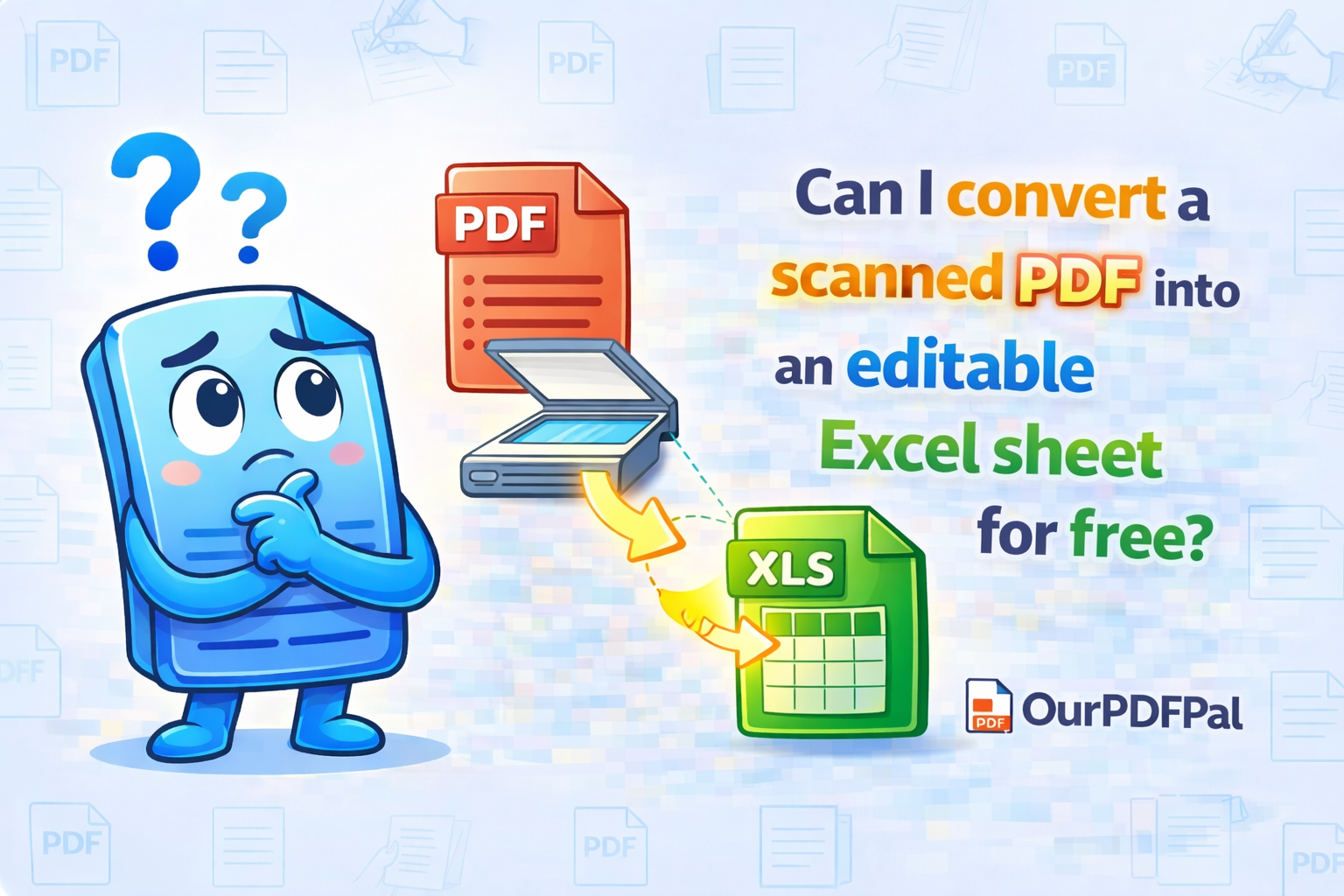
Yes! By using our PDF to Excel converter, you can transform static, non-editable scans into dynamic spreadsheets with full computational power. In the data-driven landscape of 2026, the manual transcription of financial statements, invoices, or inventory logs is an antiquated and error-prone process that drains professional productivity. Our system utilizes advanced "Table-Recognition" technology and Optical Character Recognition (OCR) to identify rows and columns within your scanned document. Unlike basic text scrapers that simply dump data into a single column, our PDF to Excel engine performs a spatial analysis of the document's grid structure. It detects cell borders, alignment cues, and header hierarchies to ensure that your data is mapped correctly to the corresponding cells in a .xlsx file, ready for immediate use in Microsoft Excel or Google Sheets.
The technical sophistication of our free PDF to Excel tool lies in its "Cell-Logic" reconstruction. When you upload a scan, the software doesn't just "see" text; it looks for the mathematical relationship between data points. Our PDF to Excel algorithm identifies currency symbols, date formats, and numeric strings, preserving their formatting so that you don't have to re-format thousands of cells manually. While very complex handwriting or extremely degraded historical scans might require minor manual touch-ups, our tool is excellent at extracting printed data from high-resolution scans. This "High-Fidelity Extraction" is essential for accountants performing audits, researchers analyzing legacy data sets, and administrative professionals who need to convert PDF to Excel for free without losing the structural integrity of the original report.
One of the primary benefits of the PDF to Excel workflow is the restoration of "Formula Readiness." A scanned PDF is a digital "dead end"—you cannot sum columns, create pivot tables, or generate trend charts from a picture of a table. By choosing to convert PDF to Excel on OurPDFPal, you are breathing life back into your data. Once the extraction is complete, you can apply complex formulas ($SUM$, $VLOOKUP$, or $XLOOKUP$) to the newly created spreadsheet. This "Data Liquidity" allows you to perform deep-dive financial analysis that would be impossible with a static PDF. In 2026, the ability to rapidly extract PDF data to Excel is a critical skill for any professional looking to maintain an agile, informed decision-making process.
Security and confidentiality are fundamental to the OurPDFPal experience. We recognize that the documents you need to convert—bank statements, tax filings, and sensitive payroll data—contain highly private information. We utilize end-to-end 256-bit SSL encryption for every PDF to Excel task. Our "Stateless Processing" model ensures that your data is never permanently stored on our infrastructure. Once our engine finishes the table recognition and you have successfully downloaded your .xlsx file, our system triggers an automatic purge, permanently deleting both the original scan and the resulting spreadsheet from our temporary processing nodes. You get all the benefits of high-speed cloud computing with the security of a private, local workflow. We provide the bridges between formats without ever compromising the privacy of your intellectual property.
Furthermore, our free PDF to Excel converter is optimized for "Multi-Page Extraction." If you have a fifty-page PDF report with tables that span across several pages, our engine can intelligently identify the continuation of these tables and unify them into a single, continuous worksheet. This eliminates the need to manually copy and paste data from multiple separate files. By choosing to split or convert PDF pages to Excel, you are automating the most tedious parts of data entry. Our tool is entirely browser-based, meaning there is no software to install, no hidden subscription fees, and no "Premium-Only" watermarks. We believe that professional-grade data extraction tools should be accessible to everyone, regardless of their budget or technical expertise.
In conclusion, the decision to convert a scanned PDF to Excel is about more than just file compatibility; it is about unlocking the true value of your information. Don't let your data stay trapped in a non-interactive format. Use OurPDFPal to convert PDF to Excel for free and experience the power of a fully editable, computational spreadsheet. Whether you are a solo entrepreneur tracking expenses, a data scientist cleaning a data set, or a corporate executive reviewing quarterly performance, our PDF to Excel engine provides the precision and speed you need to stay ahead. The standard for professional document-to-data transformation is just one click away, and it is always free on OurPDFPal. Turn your scans into spreadsheets today and take total control of your digital assets.
Take the next step in data mastery: Once you have successfully utilized our tool to convert your PDF to an Excel sheet, you might find that you need to combine that data with other visual reports. Use our JPG to PDF tool to create a cohesive project folder. If your new Excel-derived PDF is too large for an email attachment after you've finished your analysis, our PDF Compressor is the perfect next step. We are your all-in-one partner for the modern, high-efficiency digital office.