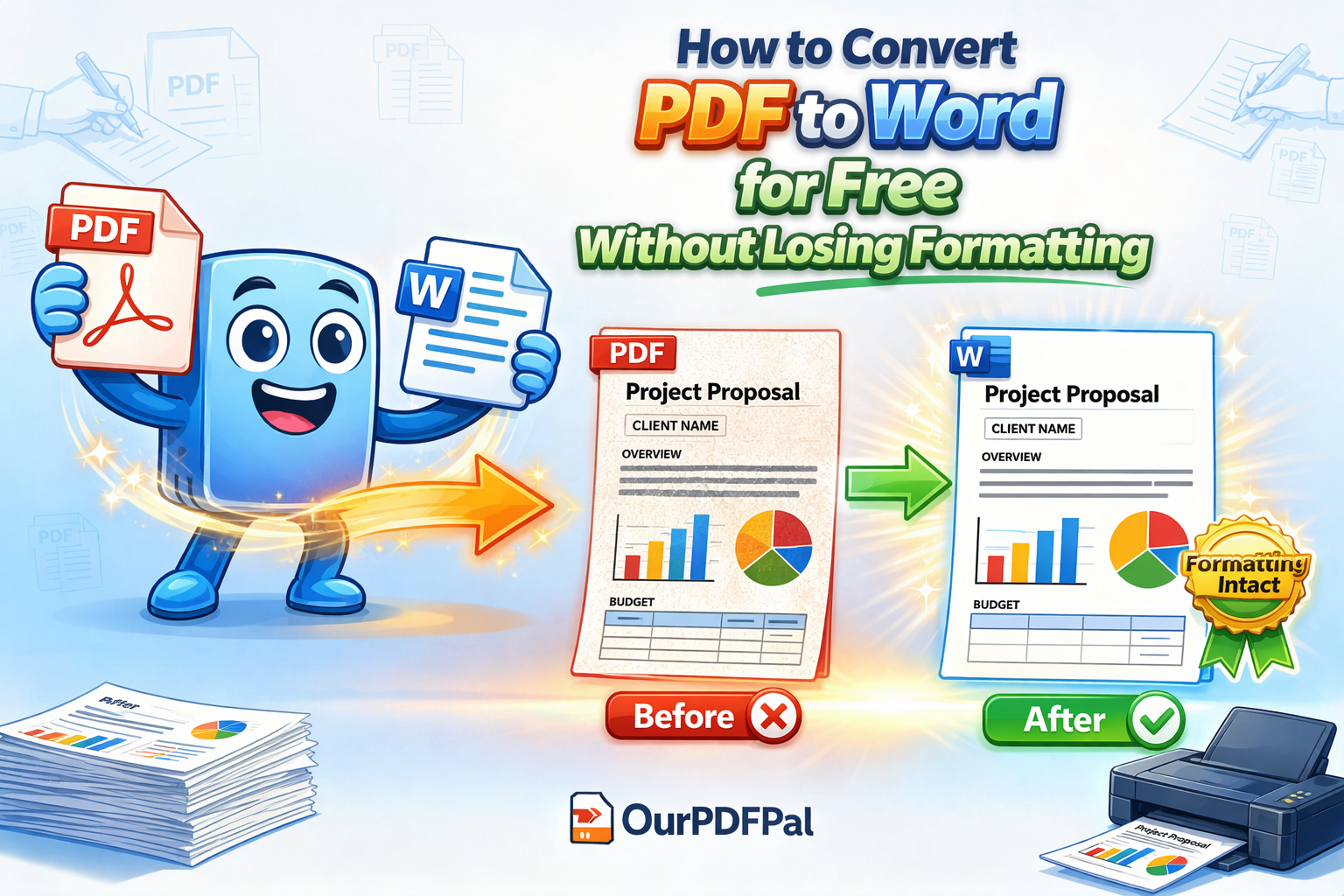
Why Formatting Matters in Conversion: The Architecture of Editable Documents
In the digital landscape of 2026, the value of a document is not just in its content, but in its structural utility. When you use a free PDF to Word converter, the biggest frustration is often seeing your tables, complex grids, and high-resolution images scattered across the page in a chaotic disarray. This "Formatting Drift" occurs because the PDF format was never designed to be edited; it was designed as a digital "snapshot" of a finished work. At OurPDFPal, we use advanced logic and heuristic analysis to ensure your document remains professional and editable. We don't just "scrape" the text; we rebuild the entire XML backbone of your file so that your headers, footers, and margins behave exactly as they would in a native Microsoft Word environment.
The technical challenge of using a free PDF to Word converter lies in the translation of "Fixed-Position" objects into "Flow-Based" text. A PDF tells a computer exactly where a character sits on an X-Y coordinate, but it has no concept of a "Paragraph" or a "Table Row." Our engine bridges this gap by identifying visual patterns. When you choose to convert PDF to Word for free with OurPDFPal, our system performs a spatial analysis to group text into logical clusters. This ensures that when you press "Enter" in your new Word document, the text flows naturally rather than breaking into fragmented boxes. This level of detail is essential for legal professionals, students, and corporate administrators who cannot afford to waste hours fixing layout errors after a free PDF to Word converter task.
[Image illustrating the transformation from fixed PDF coordinates to a fluid Microsoft Word layout]
Key Benefits: The Benchmarks of Superior Conversion
Consolidating digital assets requires a tool that prioritizes both accessibility and technical integrity. When you use OurPDFPal for free PDF to Word converter tasks, you are leveraging a platform designed to handle the most demanding administrative challenges with ease:
-
100% Free Access with No Hidden Subscriptions: Many online tools lure users in with "free" claims only to hide the final download behind a paywall or a mandatory trial. We believe that high-quality document tools should be universally accessible. Our free PDF to Word converter is exactly that—free. No hidden fees, no subscriptions, and no credit cards required. You can convert PDF to Word as many times as you need, ensuring your workflow remains uninterrupted by financial hurdles.
-
No Software Installation Required: In a world of increasing cybersecurity risks, downloading "freeware" converters can be a gamble. With OurPDFPal, everything happens in your browser. Our free PDF to Word converter utilizes high-performance cloud processing, meaning your computer’s local resources are preserved. Whether you are on a Chromebook, a high-end Mac, or a mobile device, you can convert PDF to Word instantly without installing a single megabyte of software.
-
High Privacy and Zero-Persistence Security: We understand that the documents you convert—contracts, financial reports, and medical records—contain highly sensitive data. At OurPDFPal, we treat your free PDF to Word converter tasks with the highest level of encryption. Every upload and download is protected by 256-bit SSL encryption. Furthermore, we follow a strict "Privacy-First" protocol: your files are automatically deleted from our servers after processing. Your data remains your property, entirely confidential.
The Science of Font Mapping and OCR Integration
One of the silent killers of a professional document is font substitution. If your free PDF to Word converter doesn't recognize a specific typeface, it might swap it for a generic font, ruining your branding. OurPDFPal uses an "Intelligent Font Mapper" that identifies the characteristics of your original typeface and matches it to the closest equivalent in the standard Word font library. Furthermore, if you are uploading a scan, our PDF to Word tool utilizes Optical Character Recognition (OCR) to identify characters in an image, turning "locked" pictures into editable text. This dual-layer approach is why our free PDF to Word converter consistently outperforms generic alternatives.
Improving Collaborative Workflows in 2026
The ability to convert PDF to Word for free is a cornerstone of modern collaboration. When a client sends a finalized PDF but you need to make urgent changes to a contract or a proposal, you cannot wait for them to find and send the original source file. By using a free PDF to Word converter, you bypass the waiting game. You take control of the editing process, allowing you to track changes, add comments, and refine the narrative within the familiar environment of Microsoft Word. This "Format Agility" is a competitive advantage in any professional industry.
Optimizing for the "Mobile-First" Professional
Executive decision-makers in 2026 are increasingly working from mobile devices. Editing a PDF on a smartphone is nearly impossible without expensive software. However, by using our free PDF to Word converter, you can quickly flip a document into a .docx format, which is far more responsive and easier to edit on small screens. Our PDF to Word tool is optimized for mobile browsers, ensuring that you can perform critical document recovery while in transit, at a conference, or between meetings.
The Role of Document Sanitization in Conversion
When you use our free PDF to Word converter, our engine doesn't just look at what's visible on the page. We also help sanitize the document structure. PDF files often carry "hidden" layers or overlapping text objects from previous edits. Our PDF to Word reconstruction process flattens these unnecessary layers, giving you a "clean" Word document that is free from technical glitches or phantom formatting. This ensures that when you finally convert Word back to PDF, the file is as clean and optimized as possible.
Steps to Convert for Free: Your 3-Step Path to Editability
We have optimized our free PDF to Word converter interface to be the fastest and most intuitive on the web. You can move from a "locked" file to a fully editable document in seconds. Follow these steps to convert PDF to Word today:
-
Secure Cloud Upload: Select your file or drag it into our Free PDF to Word tool zone. Our high-bandwidth infrastructure handles large, multi-page documents with ease, ensuring a fast start to your free PDF to Word converter task.
-
Intelligent Layout Processing: Our system extracts text and layout data instantly. During this phase, the free PDF to Word converter engine is mapping your tables, identifying font styles, and rebuilding your document’s logical structure. This PDF to Word stage is engineered for maximum precision.
-
Instant Secure Download: Save your new .docx file to your device. You are now ready to start editing with the confidence that your formatting is preserved and your data is secure, thanks to the precision of OurPDFPal’s free PDF to Word converter.
Conclusion: Mastering the Art of Document Flexibility
In 2026, the format of your file should never be a barrier to your productivity. By using OurPDFPal to convert PDF to Word for free, you are adopting a best-practice workflow that enhances your professional standing and protects your digital assets. Whether you are a solo student, a freelance designer, or a corporate executive, our free PDF to Word converter provides the precision-grade tools you need to stay agile. Don't let your valuable data remain static—unlock it, edit it, and present your ideas with the authority they deserve. The standard for professional document reconstruction is just one click away.
Refine your document even further: Once you have successfully used our free PDF to Word converter and finished your edits, you might find that the final file needs to be shared securely. Use our Word to PDF tool to lock your changes back into a professional format. If your new file is too large for an email attachment, our PDF Compressor is the perfect next step. We are your all-in-one partner for the modern digital office.
Liked this? Explore more tools like PDF to Word, Compress PDF, and Merge PDF.