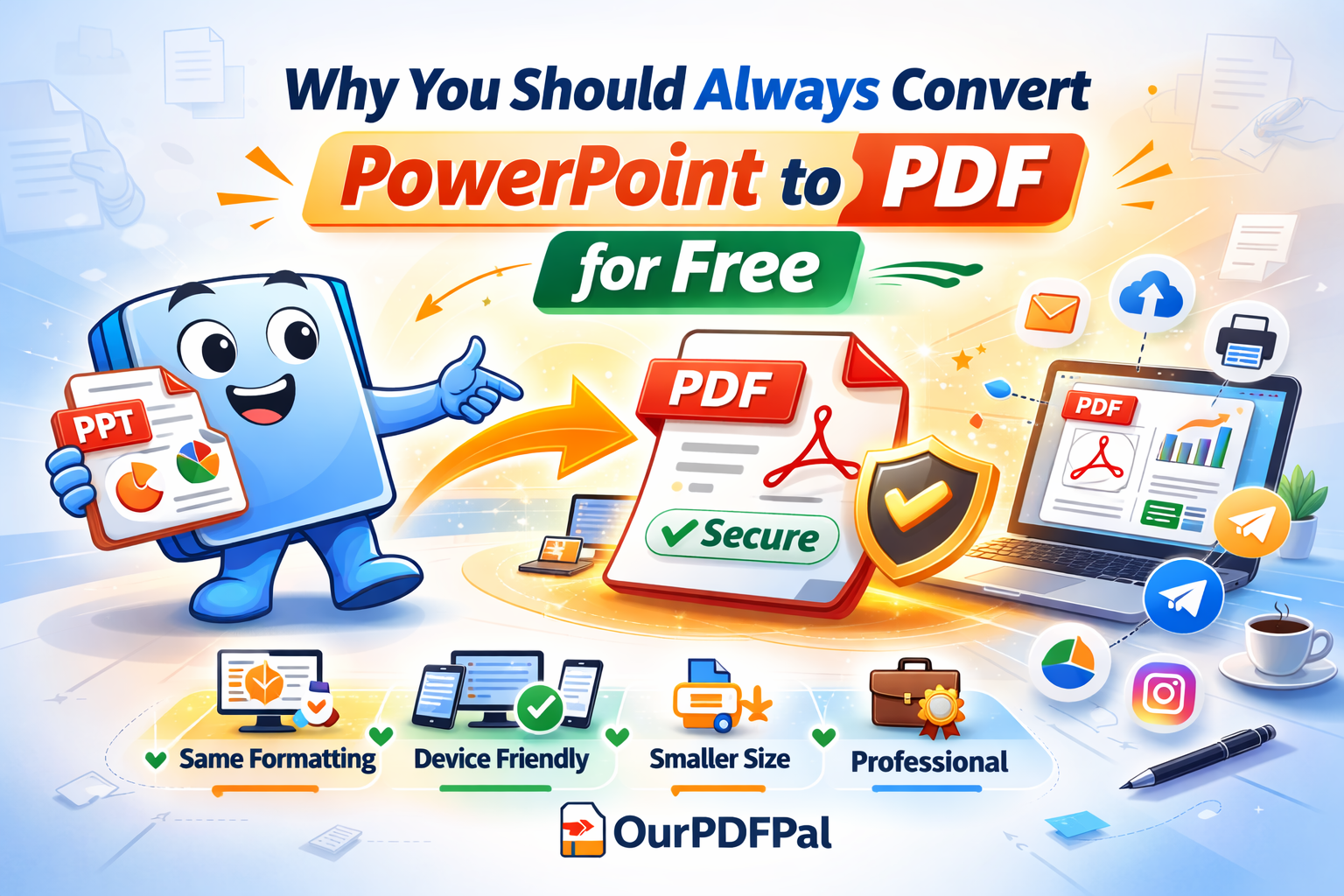
Presentation Security: Locking in Your Professional Vision
In the high-stakes world of corporate pitches, academic defenses, and keynote addresses, the visual integrity of your slides is a direct extension of your professional brand. When you share a live PowerPoint file, you are essentially sending a set of instructions that the recipient's computer must interpret. If the fonts, media codecs, or software versions aren't perfectly aligned with those on your machine, the layout can break, text can overflow its boxes, and your hard work can appear amateurish. Converting PPT to PDF for free embeds your design directly into a static, universal container so it never changes, regardless of the device used to view it. At OurPDFPal, we provide the high-fidelity rendering engine necessary to "freeze" your creative assets in their ideal state, ensuring that your message is delivered with the exact impact you intended.
The "Presentation Gap" is a well-known technical hurdle in global collaboration. A deck created on a high-end Windows workstation may render differently on a MacBook or a Linux-based conference room computer. By choosing to convert PPT to PDF, you eliminate the "Volatility Risk" associated with live slides. The PDF format—an ISO-standardized technology—ensures that every vector, gradient, and image is locked into a PostScript coordinate system. This "Digital Preservation" is the hallmark of a seasoned presenter who understands that technical glitches should never stand in the way of a powerful narrative.
Why the PDF Format is Superior for Professional Distribution:
While PowerPoint is the king of creation, the PDF is the undisputed champion of distribution. When you use OurPDFPal for PPT to PDF conversion, you gain access to several critical advantages that enhance your professional workflow:
-
Optimized and Significantly Smaller File Size: Modern presentation decks are often bloated with high-resolution imagery and complex embedded objects, making them difficult to share via email or upload to cloud-based presentation platforms. Our PPT to PDF engine utilizes intelligent "Object Stream Compression" to identify redundant data and shrink the file footprint without sacrificing visual quality. This makes your professional PDFs much easier to distribute across modern communication channels like Slack, Teams, or LinkedIn. By choosing to convert PPT to PDF, you ensure your file is agile and ready for instant viewing.
-
True Universal Compatibility Across the Digital Ecosystem: One of the greatest frustrations in business is the "Software Version Mismatch." A client might be using an older version of Office that cannot open your new .pptx file. However, a PDF works seamlessly on tablets, smartphones, and even legacy laptops. When you convert PPT to PDF, you are speaking a universal digital language. Whether your audience is on an iPad at a coffee shop or a high-end 8K monitor in a boardroom, your slides will render with 100% accuracy. This "Frictionless Accessibility" is what makes the PPT to PDF workflow an industry standard.
-
Print-Ready Precision for Physical Handouts: Many professional presentations require physical copies for stakeholders to annotate. PowerPoint's native printing can sometimes lead to cut-off margins or misaligned headers. Because PDFs are "Resolution-Independent," they print exactly as they appear on the screen. By choosing to convert PPT to PDF before sending a file to the printer, you guarantee that your handouts will maintain the professional polish of your digital deck. This level of detail-orientation is critical for high-level meetings and academic submissions.
The Technical Mechanics of PowerPoint-to-PDF Transformation
What actually happens when you convert PPT to PDF? OurPDFPal performs a deep-level structural audit of your .pptx file. It identifies every font used—even proprietary ones—and "subsets" them into the PDF. This means the font data is physically packed inside the file. Additionally, our PPT to PDF engine translates your slide transitions and layered graphics into "Fixed-Position Objects." This complex mathematical translation ensures that the transparency effects and drop shadows you spent hours perfecting in PowerPoint remain visually identical in the PDF. This technical precision is why professionals rely on our PPT to PDF tool for their most important events.
Protecting Your Intellectual Property and Design
A hidden risk of sharing live PowerPoint files is that they are inherently editable. A recipient could accidentally (or intentionally) move an image, change a statistic, or alter your branding. When you convert PPT to PDF, you are effectively applying a "Visual Lock" to your work. While specialized software can edit PDFs, it is significantly more difficult than editing a native slide deck. This "Formatting Lock" ensures that your original intent remains intact from the moment you send the file until the moment it is projected on the screen. For extra security, after you convert PPT to PDF, you can use our other tools to add password protection or digital watermarks.
Optimizing for the "Mobile-First" Boardroom of 2026
In the current hybrid work environment, many executives review presentations on their phones or tablets during travel. PowerPoint's mobile app can be clunky and slow to load large files. In contrast, every mobile operating system has a built-in, lightning-fast PDF viewer. By making it a habit to convert PPT to PDF, you are optimizing for the user experience of your busiest stakeholders. A 5MB PDF loads in a fraction of a second, allowing your audience to scroll through your ideas without lag or rendering errors. This "Speed-to-Information" is a subtle but powerful way to demonstrate respect for your audience's time.
The Role of Document Sanitization in Professional Sharing
PowerPoint files often store "Metadata"—hidden information that can include the total editing time, previous author names, and even "Tracked Changes" that you thought were deleted. This can be a major privacy concern. When you use OurPDFPal to convert PPT to PDF, our engine performs a layer of "Digital Sanitization." We extract only the final visual output, leaving behind the drafting history and hidden metadata. This ensures that the only thing your audience sees is your polished, final presentation. You can convert PPT to PDF with the peace of mind that your private drafting process remains private.
Simple Steps: Your Path to Professional Presentation
We have engineered our interface to be the fastest and most intuitive on the web. You can move from a volatile slide deck to a secure, professional PDF in a matter of seconds. Follow these steps to convert PPT to PDF today:
-
Secure High-Speed Upload: Drag your .pptx or .ppt file into our secure PowerPoint to PDF tool. Our high-bandwidth infrastructure handles even image-heavy presentations with ease, ensuring a fast start to your PPT to PDF task.
-
Instant Cloud Processing: Wait for the conversion to finish. Our cloud engine immediately begins the reconstruction process, accurately translating your fonts, gradients, and images into the universal PDF format. This PPT to PDF stage is optimized for total accuracy.
-
Instant Download and Sharing: Download your final, submission-ready document. You are now ready to present with the confidence that your slides will look perfect for every recipient, on every device, every time, thanks to the precision of OurPDFPal.
Conclusion: The Future of Presentation Fidelity
In 2026, the boundaries between different software ecosystems are becoming increasingly permeable, but the need for a "Universal Standard" has never been greater. By using OurPDFPal to convert PPT to PDF, you are adopting a best-practice workflow that protects your design, secures your content, and enhances your professional reputation. Whether you are pitching a new startup or delivering a quarterly financial report, we provide the precision-grade tools you need to shine. Don't leave your formatting to chance—lock it in with the power of PDF.
Refine your presentation even further: Once you have utilized our tool to convert PPT to PDF, you might find that the file is still a bit too large for a specific email portal. Use our PDF Compressor to shrink the size while maintaining 100% clarity. If your deck needs to be combined with a formal proposal, our Merge PDF tool can help you create a single, unified packet. We are your all-in-one partner for the modern digital office.
Liked this? Explore more tools like PDF to Word, Compress PDF, and Merge PDF.